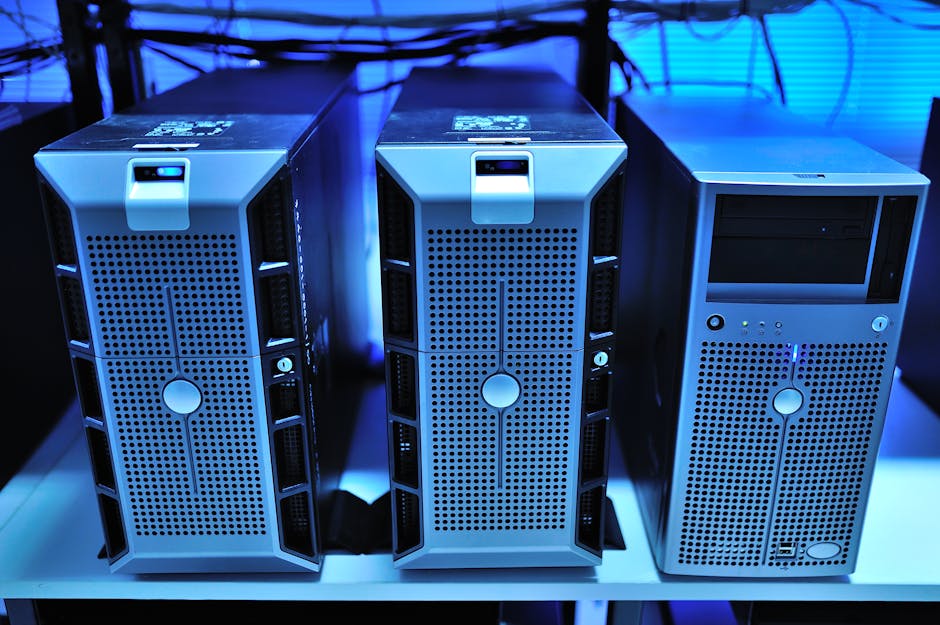
Image by: panumas nikhomkhai
The evolution of identity management: On-prem vs cloud
By 2026, 85% of enterprises will adopt a hybrid identity model that combines on-premises and cloud solutions, per Gartner’s latest forecast. For IT leaders weighing Windows Server 2026 Active Directory against Microsoft Entra ID, the decision impacts security budgets, and operational flexibility. This article provides a detailed comparison of both solutions, helping you answer critical questions: Can legacy systems keep pace with modern workforce demands? Does cloud migration justify the operational shift?
The shifting identity landscape
Traditional Active Directory (AD) has dominated on-prem identity management since 2000, but cloud-native solutions like Entra ID (formerly Azure AD) now offer:
- Zero-trust security frameworks
- Seamless SaaS application integration
- AI-driven threat detection
“Hybrid environments aren’t a temporary phase – they’re the new normal,” notes John Savill, Microsoft MVP and author of Mastering Windows Server.
Feature parity analysis: Windows Server 2026 AD vs Entra ID
While Windows Server 2026 AD introduces improved security auditing and group policy management, Entra ID excels in cloud-first capabilities:
| Feature | AD 2026 | Entra ID |
|---|---|---|
| Multi-factor authentication | Requires Azure MFA integration | Native conditional access policies |
| Device management | Group Policy Objects (GPO) | Intune integration |
| Disaster recovery | Manual domain controller replication | Geo-redundant automatic failover |
| Monthly updates | Manual patching cycles | Continuous deployment |
Critical gaps to consider
On-prem AD still outperforms Entra ID in:
- LDAP-dependent legacy systems
- Fine-grained password policies
- Physical device authentication
Hybrid identity synchronization best practices
For organizations maintaining hybrid environments, Microsoft recommends:
- Implement Azure AD Connect Cloud Sync for real-time directory updates
- Establish sync frequency thresholds (15-minute minimum)
- Use attribute filtering to exclude test accounts
Real-world synchronization scenario
A global manufacturing firm reduced sync errors by 73% using this workflow:
- Deploy read-only domain controllers at branch offices
- Configure Entra ID writeback for password changes
- Monitor with Azure AD Connect Health
Cost-benefit breakdown for 2026 infrastructure
Five-year TCO comparison for 1,000 users:
| Cost factor | AD 2026 | Entra ID |
|---|---|---|
| Hardware | $48,000 | $0 |
| IT labor | $320,000 | $85,000 |
| Licensing | $75,000 | $108,000 |
| Total | $443,000 | $193,000 |
Source: Forrester TEI Study
Hidden cloud migration costs
While Entra ID reduces physical infrastructure costs, consider:
- Training for IT staff (avg. $1,200/employee)
- Custom API development for legacy apps
- Premium P2 licenses for advanced features ($9/user/month)
Building a future-proof identity strategy
Microsoft’s Cloud Adoption Framework recommends this phased approach:
- Conduct application dependency mapping
- Pilot Entra ID with cloud-first teams
- Implement just-in-time privileged access
The AI advantage
Entra ID’s emerging capabilities include:
- Anomaly detection using machine learning
- Automated response playbooks
- Predictive access reviews
Frequently asked questions
Can we maintain both AD 2026 and Entra ID simultaneously?
Yes, hybrid configurations are fully supported. Microsoft recommends using Azure AD Connect to synchronize identities while gradually migrating workloads.
What’s the biggest security risk in hybrid environments?
Privileged account synchronization. Always exclude highly privileged accounts from automatic sync and manage them separately in Entra ID.
How does Entra ID handle legacy NTLM authentication?
While Entra ID primarily uses modern protocols, it can proxy NTLM requests to on-prem AD through Azure AD Application Proxy.
Conclusion
The choice between Windows Server 2026 AD and Entra ID hinges on your organization’s cloud maturity. While on-prem solutions offer granular control for legacy systems, Entra ID provides agility and advanced security for distributed workforces. For most enterprises, a phased hybrid approach delivers optimal balance. Ready to evaluate your identity strategy? Use our free migration assessment toolkit to model different scenarios.