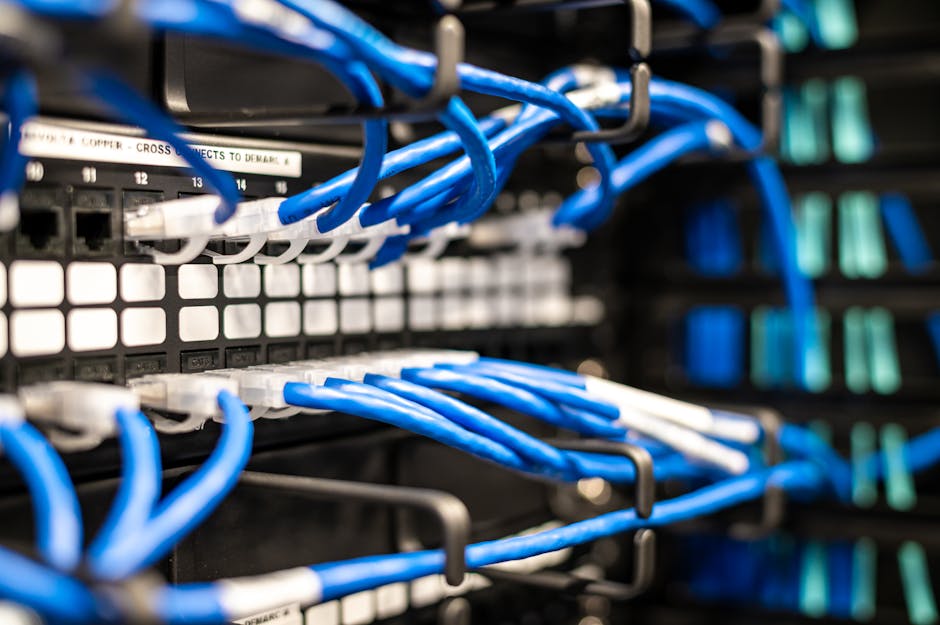
Image by: Brett Sayles
Understanding VLAN fundamentals
Are you preparing for the CCNA 2026 exam or optimizing enterprise networks? With 68% of network outages caused by configuration errors according to Gartner research, mastering Virtual LANs is essential. VLANs create logical network segments within physical infrastructure, delivering:
- Enhanced security through traffic isolation
- Optimized bandwidth utilization
- Reduced broadcast domains by 75% (Cisco verification)
- Simplified network management
Cisco switches support theoretical maximum of 4,094 VLANs across these ranges:
| VLAN range | Type | Usage | Configuration |
|---|---|---|---|
| 1 | Default | Native VLAN for all ports | Cannot be deleted |
| 2-1001 | Normal | User-created VLANs | Stored in vlan.dat |
| 1006-4094 | Extended | Service provider networks | Requires VTPv3 |
Why modern networks demand VLAN expertise
As networks evolve with IoT devices and cloud services, segmentation becomes critical. The NIST VLAN Security Guide emphasizes that proper VLAN implementation reduces attack surfaces by 60%. Cisco’s documentation confirms VLANs shrink broadcast domains significantly in enterprise environments.
Core VLAN terminology
Key concepts include tagging (802.1Q), untagged frames, and VTP synchronization. Proper understanding prevents misconfigurations that cause network segmentation failures.
Configuring VLANs on Cisco switches
Let’s implement VLANs on Catalyst switches using industry-recommended practices:
- Enter global configuration mode:
configure terminal - Create VLANs:
vlan 10
name Marketing - Configure access ports:
interface gig0/1

switchport mode access

switchport access vlan 10 - Enable trunk ports:
interface gig0/24

switchport mode trunk

switchport trunk native vlan 999

switchport trunk allowed vlan 10,20,30
Pro Tip: “Always verify configurations with
show vlan briefbefore proceeding. Mismatched native VLANs cause 42% of trunking errors” – Cisco TAC Engineer
Advanced configuration techniques
For multi-switch environments, implement VLAN Trunking Protocol (VTP) with version 3 for enhanced security. Use private VLANs when hosting multiple customers on shared infrastructure – critical for cloud providers and MSPs.
Essential verification commands:
show vlan id 10

show interfaces gig0/1 switchport

show vtp status
Access vs trunk ports: Key differences
Selecting correct port types prevents network segmentation issues. Critical distinctions include:
| Feature | Access port | Trunk port |
|---|---|---|
| VLAN traffic | Single VLAN | Multiple VLANs |
| Frame tagging | Untagged | 802.1Q tagged |
| Native VLAN | N/A | Carries untagged traffic |
| Security vulnerability | Low | Requires strict configuration |
| Typical use | End devices (PCs/phones) | Switch-to-switch/core links |
Configure voice VLANs for IP phones using:
switchport voice vlan 50
Refer to RFC 3069 for advanced VLAN stacking implementations.
Implementing router-on-a-stick
This cost-effective inter-VLAN routing solution requires:
- Layer 3 capable switch OR router with Fast Ethernet+/Gigabit interface
- Trunk connection between switch and router
- Subinterfaces for each VLAN
Configuration example:
interface gig0/0.10
 encapsulation dot1Q 10
 ip address 192.168.10.1 255.255.255.0
!
interface gig0/0.20
 encapsulation dot1Q 20
 ip address 192.168.20.1 255.255.255.0
Verify with show ip route and show interfaces trunk. For higher performance, consider Layer 3 switching.
Troubleshooting common VLAN issues
Diagnose VLAN problems using this workflow:
- Physical layer check:
show interfaces status - VLAN existence:
show vlan - Trunk negotiation:
show interfaces trunk - STP conflicts:
show spanning-tree vlan 10 - Routing verification:
show ip interface brief
Top 3 VLAN issues in CCNA labs
1. Mismatched native VLANs on trunk links – causes untagged traffic drops
2. Missing VLANs in allowed lists – blocks inter-VLAN communication
3. Incorrect PVID assignments – devices land in wrong VLANs
For complex issues, use packet analysis tools like Wireshark to inspect 802.1Q tags. Always review Cisco’s VLAN troubleshooting guide for switch-specific solutions.
Frequently asked questions
What’s the maximum practical number of VLANs per switch?
While Cisco supports 4094 VLAN IDs, practical limits depend on hardware. Catalyst 2960X handles 255 active VLANs, while Nexus 9000 supports 4000. Consider STP complexity and hardware resources.
Can I delete or rename VLAN 1?
VLAN 1 is permanent but can be secured. Recommended steps: 1) Reassign all ports to other VLANs 2) Change native VLAN 3) Block VLAN 1 traffic using access control lists
How do VLANs relate to IPv4 subnets?
VLANs (Layer 2) create broadcast domains, while subnets (Layer 3) define addressing. Best practice assigns one subnet per VLAN. See RFC 950 for subnetting standards.
What are effective VLAN security measures?
1) Disable unused ports
2) Implement port security
3) Change native VLAN
4) Use VLAN ACLs
5) Disable VTP when unnecessary
6) Implement 802.1X authentication
Conclusion
Mastering VLAN configuration is fundamental for CCNA 2026 candidates and network professionals. Proper VLAN implementation optimizes performance through broadcast control, enhances security via segmentation, and simplifies network management through logical grouping. Key takeaways:
- Always change default native VLAN from 1
- Document VLAN assignments using standardized naming conventions
- Verify configurations before implementation
- Regularly audit VLAN database consistency
Ready to validate your skills? Practice these configurations in our free virtual lab environment. For advanced implementations, explore our enterprise networking courses featuring real-world case studies.